Facebook PixelSkip to main content
SalesEcho Logo
Back to Blog
Otter AI Review: Features, Pricing, Pros & Best Alternatives in 2025

Otter AI Review: Features, Pricing, Pros & Best Alternatives in 2025

Rishabh JainRishabh Jain
9/24/2025
19 min read

TLDR:
Otter AI is a popular AI transcription and meeting assistant that offers real-time speech-to-text, summaries, and integrations with Zoom, Google Meet, and Teams. It’s reliable for most use cases but has limits on accuracy with accents, data privacy concerns, and free-plan restrictions. Strong alternatives include SalesEcho, Fireflies.ai, Rev, Sonix, Trint, and Descript.

Why AI transcription tools are essential in 2025

In 2025, time is the most valuable resource for professionals, students, and creators. Meetings pile up, lectures move fast, and interviews demand accuracy — but nobody has the bandwidth to take perfect notes while staying engaged. That’s where AI transcription tools step in. They capture conversations in real time, organize them into searchable notes, and even generate action items so teams can focus on collaboration instead of scribbling down details. With hybrid work and digital collaboration at an all-time high, transcription tools are no longer a luxury — they’re essential productivity software.

Quick Answer

Otter AI is one of the most popular transcription and meeting-assistant tools. It converts speech to text in real time, offers summaries, and integrates with Zoom, Google Meet, and MS Teams. However, it’s not the only option — and there are strong Otter AI alternatives worth considering.

This Otter AI review will walk you through its features, pricing, pros, and cons — and compare it against the best alternatives to Otter AI in 2025. Whether you’re a student looking for lecture notes, a sales rep logging client meetings, or a journalist recording interviews, this guide will help you decide if Otter is the right fit or if another transcription tool might serve you better.

What Is Otter AI?

Otter AI is a cloud-based speech-to-text software that transforms spoken language into highly interactive, searchable transcripts using artificial intelligence and machine learning. It doesn’t just dump text — it layers in speaker IDs, timestamps, images (like slides or whiteboards), highlights, and summaries to turn raw conversations into actionable notes.

Otter AI

Use Cases

  • Meetings & Remote Sessions — Otter’s Notetaker can automatically join Zoom, Google Meet, or Microsoft Teams calls to transcribe live.

  • Interviews & Research — Record conversations and get editable transcripts, complete with speaker tags and timecodes.

  • Lectures & Classes — Students can use Otter to capture lectures in real time, including slides or visual content via inline images.

  • On-the-go Notes & Voice Memoing — Record ideas, discussions, or meetings from your phone or browser and let Otter convert them to text.

By offering robust meeting transcription, AI note-taking, and being an automated transcription tool, Otter AI blends utility and intelligence, making it useful across professional, academic, and personal settings.

How to Use Otter AI?

Visit their official site and click "Start for Free"

Otter AI Official Site

You will be redirected to their pricing page, click on "Get Started"

Getting Started with Otter AI

Sign Up with Google

Sign Up with Google

Agree and Next

Agree and Next

Keep clicking next until you get to the dashboard

Next

Now Personalize your experience with Otter AI (You may skip personalizing if you want)

Personalize your experience

I selected sales

sales

Now selected senior leader

image

Now you will be redirected to their dashboard

Otter AI Dashboard

You can connect your HubSpot or Salesforce (I'm clicking to "setup later")

image

Click Next

image

Now you will get to the real dashboard where you can

-> Review your Sales Insights

Review your Sales Insights

-> Sync AI Notes to CRM

Sync AI Notes to CRM

-> Visibility into your team's call

image

How to Navigate the Otter AI Dashboard

When you first log in, Otter AI greets you with a centralized dashboard that keeps everything — meetings, transcripts, action items, and team collaboration — in one place.

Otter AI Deashboard

Here’s a breakdown:

1. Get Started with Otter for Sales

At the top, Otter highlights quick-start options designed for sales teams but useful for anyone running meetings:

  • Record/import a sales call — Upload or record a meeting and label it so Otter knows how to process it.

  • AI Sales Insights — Otter extracts structured data like budget, needs, competitors, and action items (great for CRM integration).

  • Sync AI Notes to CRMs — Save hours by pushing notes directly into your CRM system.

  • Visibility into your team’s calls — Share calls automatically into channels for transparency and coaching.

👉 This section acts as a guided “launchpad” to help you use Otter beyond basic transcription.

2. Record & Manage Meetings (Right-hand panel)

  • Record a live meeting — Simply paste a Zoom, Google Meet, or Microsoft Teams URL to have Otter’s Notetaker join.

  • Record upcoming meetings — Connect your Google or Outlook calendar so Otter automatically joins scheduled calls.

  • AI Notetaker settings — Customize how Otter joins, records, and delivers transcripts.

3. Channels & Collaboration (Left-hand menu)

  • Channels — Spaces like All Customer Calls or General where teams can organize transcripts by project or topic.

  • Direct Messages — One-on-one conversations tied to specific transcripts or notes.

  • Folders — Store and organize past calls, transcripts, or recordings.

4. Today’s Activity Feed (Center panel)

Here’s where you’ll see your most recent meetings or recordings. Each item shows:

  • Meeting title (e.g., Sample Sales Call).

  • Duration and participants.

  • A short transcript preview with the option to expand.

  • Action items or highlights captured by Otter AI.

This works like a timeline of your calls — making it easy to pick up where you left off.

5. Pro Plan Upsell

On the left sidebar, Otter shows your current usage (e.g., “0 of 300 monthly mins used”) with an option to upgrade to Otter Pro for more transcription minutes and advanced features.

In short: The dashboard is split into three main zones:

  • Left menu (navigation + organization),

  • Center panel (your meeting history & calls),

  • Right panel (live/ upcoming meetings + calendar integration).

It’s designed to keep recording, organizing, and collaborating as frictionless as possible.

Key Features of Otter AI (2025 Review)

Meeting Recordings & Transcriptions

Otter’s primary feature is its ability to record and transcribe meetings in real time. Once connected to your calendar, Otter automatically joins scheduled calls on Zoom, Google Meet, or Microsoft Teams as a visible participant. It records the conversation, transcribes speech word-for-word, and identifies different speakers to keep things clear.

Recordings

After the meeting, Otter delivers:

  • A full transcript with timestamps for easy reference.

  • A concise summary of key takeaways.

  • A structured outline that breaks long conversations into sections.

  • Screenshots and shared visuals embedded directly in the transcript for context.

  • A replay option on the Otter website, so you can review the meeting like it happened live.

You can choose whether to share transcripts automatically with all attendees or keep them private by adjusting your settings.

AI Sales Insights (For Teams)

AI Sales Insights

For sales teams, Otter goes beyond transcription with AI-driven insights. It automatically extracts important data points from calls, such as budget, needs, competitors, and action items (BANT/MEDPIC frameworks). These insights can then be synced directly to your CRM, saving hours of manual note-taking and data entry.

Collaboration Tools: Channels, Folders & Comments

Otter is built for team productivity, not just personal note-taking.

Collaboration Tools (Integration)
  • Channels keep conversations organized by project, client, or department. Action items can be assigned within channels, acting like a built-in to-do list.

  • Folders let you separate personal, project, or team recordings for clarity and quick access.

  • Comments & Direct Messages allow teammates to leave feedback, clarify details, or tag someone for follow-up directly inside the transcript.

This makes Otter as much a collaboration hub as it is a transcription tool.

AI-Powered Summaries & Search

Instead of scrolling through endless transcripts, Otter’s AI instantly generates:

  • Highlights & Key Takeaways so you can scan the essentials.

  • Action Item Lists so tasks don’t get lost in conversation.

  • A chat-based assistant that lets you search for details or ask clarifying questions about what was said.

This feature is especially valuable for busy professionals who need to quickly recall decisions or instructions without replaying an entire meeting.

Recording Flexibility

Recording Flexibility

Not every conversation happens online. With Otter, you can:

  • Record in-person meetings, interviews, or brainstorming sessions via the mobile or desktop app.

  • Import external audio files (with limits on the free plan) for transcription.

  • Export transcripts in multiple formats (.txt, copy to clipboard, share links) depending on your workflow.

This flexibility makes Otter useful far beyond virtual meetings.

Mobile App Functionality

Otter’s iOS and Android apps make it easy to:

  • Record conversations on the go.

  • Access synced transcripts instantly from the cloud.

  • Review, edit, and share notes anytime, anywhere.

For students, field reporters, or traveling professionals, this makes Otter a pocket-sized note-taking assistant.

Sync AI Notes to CRM

One of Otter AI’s most practical features for business teams is its ability to sync meeting notes directly into your CRM. Instead of wasting hours manually typing call notes or updating deal records, Otter automatically pushes structured insights — like budget, needs, competitors, and action items — into your sales platform.

Sync AI Notes to CRM

Why it matters:

  • Saves time: No more duplicate work between your meeting app and CRM.

  • Improves accuracy: AI captures details consistently, reducing the risk of forgetting key points.

  • Boosts sales productivity: Sales teams can focus on closing deals instead of administrative tasks.

  • Enhances visibility: Managers get real-time access to call notes and insights across the team.

For growing sales organizations, this makes Otter not just a transcription tool but also a revenue-enablement platform that keeps your CRM clean, updated, and actionable.

Otter AI Chat

Otter AI isn’t just about passive transcription — it now includes Otter Chat, an AI-powered assistant that helps you actively work with your meeting content. Instead of scrolling through endless transcripts, you can simply ask Otter questions and get instant answers.

Otter AI Chat

How it works:

  • You can ask natural questions like:

    • “What was decided about pricing in last week’s leadership meeting?”

    • “When is our product launch date?”

    • “What were Q4 revenue totals from the earnings call?”

  • Otter Chat scans across your meeting notes, transcripts, and task lists to generate a direct, context-aware response.

  • It acts like a personal AI knowledge base, trained on your conversations.

Benefits of Otter Chat:

  • Faster Access to Information: No need to dig through long transcripts.

  • Smarter Collaboration: Team members can quickly clarify details or confirm decisions.

  • Action-Oriented: Helps you follow up on tasks, deadlines, and critical points.

  • Always-On Assistant: Available directly inside your Otter dashboard for ongoing use.

What Makes Otter Stand Out

  • Dual Functionality: Real-time transcription plus automatic summaries in one tool.

  • Visual Context: Captures meeting slides and embeds them into transcripts.

  • Seamless Sharing: Sends email recaps after each meeting to keep teams aligned.

  • Actionable Outputs: Creates checklists and tasks, turning conversations into concrete next steps.

  • Collaboration Focused: Channels, comments, and action items make teamwork smoother.

Otter AI Pricing (Free vs Paid Plans)

Free Plan (Basic)

The Basic plan is free forever and designed for individuals who want to try Otter without commitment.

  • 300 transcription minutes per month

  • 30 minutes maximum per conversation

  • Live transcription and summaries for Zoom, Google Meet, and Microsoft Teams

  • Up to 3 lifetime audio or video file imports

It’s a good starter plan, but limited for longer or frequent meetings.

Pro Plan

The Pro plan is built for professionals and small teams who need more flexibility.

  • Around $8.33 per user/month when billed annually, or $16.99 if billed monthly

  • 1,200 transcription minutes per month

  • Up to 90 minutes per conversation

  • 10 file imports per month

  • Advanced features like custom vocabulary, speaker tagging, and enhanced export options

This plan is ideal for users who attend multiple meetings a week and want searchable, detailed notes.

Business Plan

The Business plan focuses on collaboration and team productivity.

  • Around $20 per user/month when billed annually, or $30 if billed monthly

  • 6,000 transcription minutes per month

  • Up to 4 hours per conversation

  • Unlimited file imports

  • Includes admin controls, usage analytics, prioritized support, and concurrent meeting support (Otter can join multiple calls at the same time)

Perfect for growing teams that need shared visibility into meetings and advanced management tools.

Enterprise Plan

The Enterprise plan is customized for large organizations with advanced security and compliance needs.

  • Pricing is custom, based on organization size and requirements

  • All Business plan features included

  • Enterprise-grade security, Single Sign-On (SSO), and domain controls

  • Additional integrations with CRMs and advanced collaboration features

Best for corporations that need large-scale deployment, extra security, and dedicated support.

Quick Comparison

Plan

Price (USD)

Minutes/Month

Max Meeting Length

Imports

Key Features

Free (Basic)

$0

300

30 mins

3 lifetime

Core transcription & summaries

Pro

$8.33 (annual) / $16.99

1,200

90 mins

10 per month

Vocabulary, tagging, export, playback

Business

$20 (annual) / $30

6,000

4 hrs

Unlimited

Team tools, analytics, concurrent meetings

Enterprise

Custom

Custom

Custom

Unlimited

SSO, compliance, CRM, dedicated support

Pros & Cons of Otter AI

Like any tool, Otter AI has its strengths and limitations. Here’s a balanced look at where it shines and where it falls short.

Advantages

  • Accurate Transcription in Most Cases
    Otter delivers high-quality, real-time transcriptions that are reliable for clear audio and standard speech patterns. For many users, the accuracy is strong enough to replace manual note-taking entirely.

  • User-Friendly App
    With a clean interface on both desktop and mobile, Otter is easy to navigate. Features like speaker labeling, timestamps, and search make transcripts straightforward to review and edit.

  • Time-Saving for Teams
    Teams benefit from automated meeting notes, AI-generated summaries, and action items. This reduces administrative work and helps everyone stay aligned without needing to manually write or distribute notes.

Disadvantages

  • Accuracy Dips with Accents or Poor Audio
    While Otter is strong in many scenarios, its accuracy can drop when dealing with heavy accents, overlapping voices, or background noise. Manual edits may still be necessary in these cases.

  • Privacy Concerns
    Some users raise questions about storing sensitive business or client data in Otter. While it provides security features, organizations with strict compliance needs may prefer tools with more enterprise-grade safeguards.

  • Limited Export Options in the Free Tier
    The Basic plan has restrictions, including capped transcription minutes and limited file export formats. Users looking for flexible sharing or unlimited imports often need to upgrade to a paid plan.

Otter AI Reviews from Different Platforms

Otter AI Reviews on Reddit

Reddit users report mixed experiences with Otter AI. Some say it fails to capture transcripts reliably and complain about reduced minutes (“shrinkflation”). Others recommend alternatives like Fathom, Avoma, or VOMO AI, which they find more consistent and better value.

Otter AI Review from Reddit

Otter AI Reviews on CNET

CNET rates Otter AI 8/10, praising its ease of use, linked audio-to-text transcripts, and AI chat tool for generating summaries and action items. However, it highlights key drawbacks: limited recording time and uploads on most plans, plus recurring transcript errors. In short, Otter AI is powerful but not flawless — great for quick note-taking, less ideal for perfect accuracy.

Otter AI Review from CNET

Otter AI Reviews on Trustpilot

On Trustpilot, Otter AI holds an average rating of around 3.5 to 3.8 out of 5, with over 500 reviews. Users often praise how Otter simplifies meeting transcription, automates note-taking, and speeds up workflow. However, many complaints center around billing issues, unexpected charges, difficulty canceling, automatic sharing of transcripts, and inconsistent support responsiveness.

image

Otter AI Reviews on G2

On G2, Otter AI holds a strong rating of 4.4 out of 5, with users praising its ease of use, accurate transcriptions in clear conditions, and time-saving AI summaries. Many reviewers highlight how intuitive the platform feels, even for first-time users, and how the highlights and outlines make reviewing meetings much faster. However, some users report recording hiccups, missed audio, and lower accuracy with accents or technical jargon. Others note limitations in export options and advanced features on lower-tier plans. Overall, G2 users see Otter AI as a reliable, productivity-boosting tool, but not without flaws.

Otter AI Reviews on G2

My Perception of Otter AI Based on Reviews

Looking across different platforms, Otter AI emerges as a useful but imperfect transcription tool. Expert reviews like CNET highlight its polished interface, ease of use, and clever features such as AI chat and structured meeting summaries. G2 users echo this, praising its time-saving design and generally solid accuracy under good conditions. However, everyday users on Reddit and Trustpilot surface some real frustrations: billing issues, reduced plan value, and reliability problems in certain meetings or with tricky audio. The overall perception is that Otter AI works best for professionals and teams who need quick, accessible notes — but it may not be the best choice if you require flawless transcription accuracy, rock-solid billing transparency, or enterprise-grade reliability.

Best Otter AI Alternatives in 2025

If Otter doesn’t fully match your needs — whether it’s for sales insight, media editing, or enterprise accuracy — here are solid contenders in 2025:

SalesEcho

image

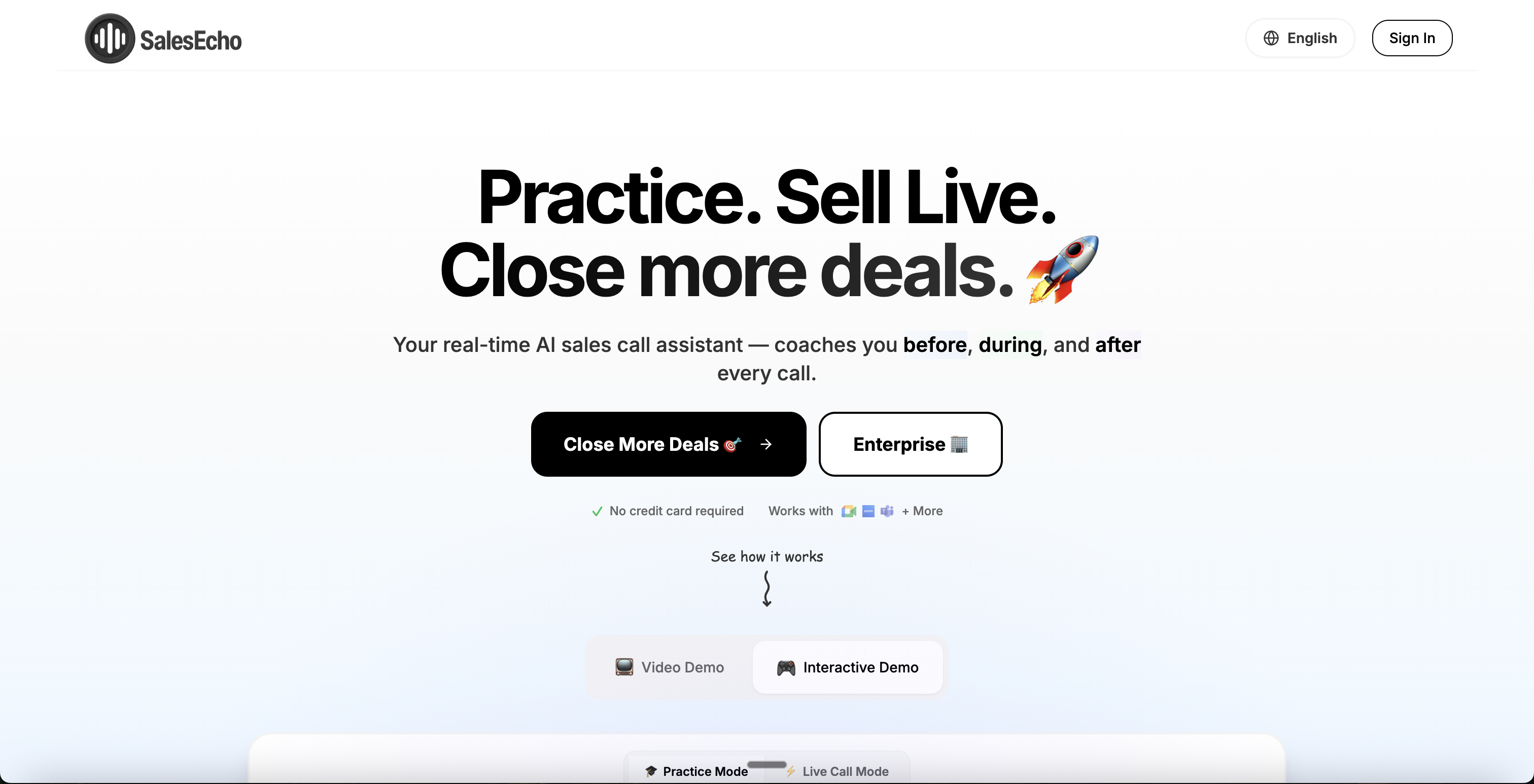
SalesEcho is a specialized AI tool built for sales calls. It offers real-time transcription with speaker labels, live conversational insights and suggestions, and post-call analytics to help sales reps steer the discussion. Its tight focus on sales workflows makes it a strong alternative for users who want more than just transcripts.

Fireflies.ai

Fireflie.ai

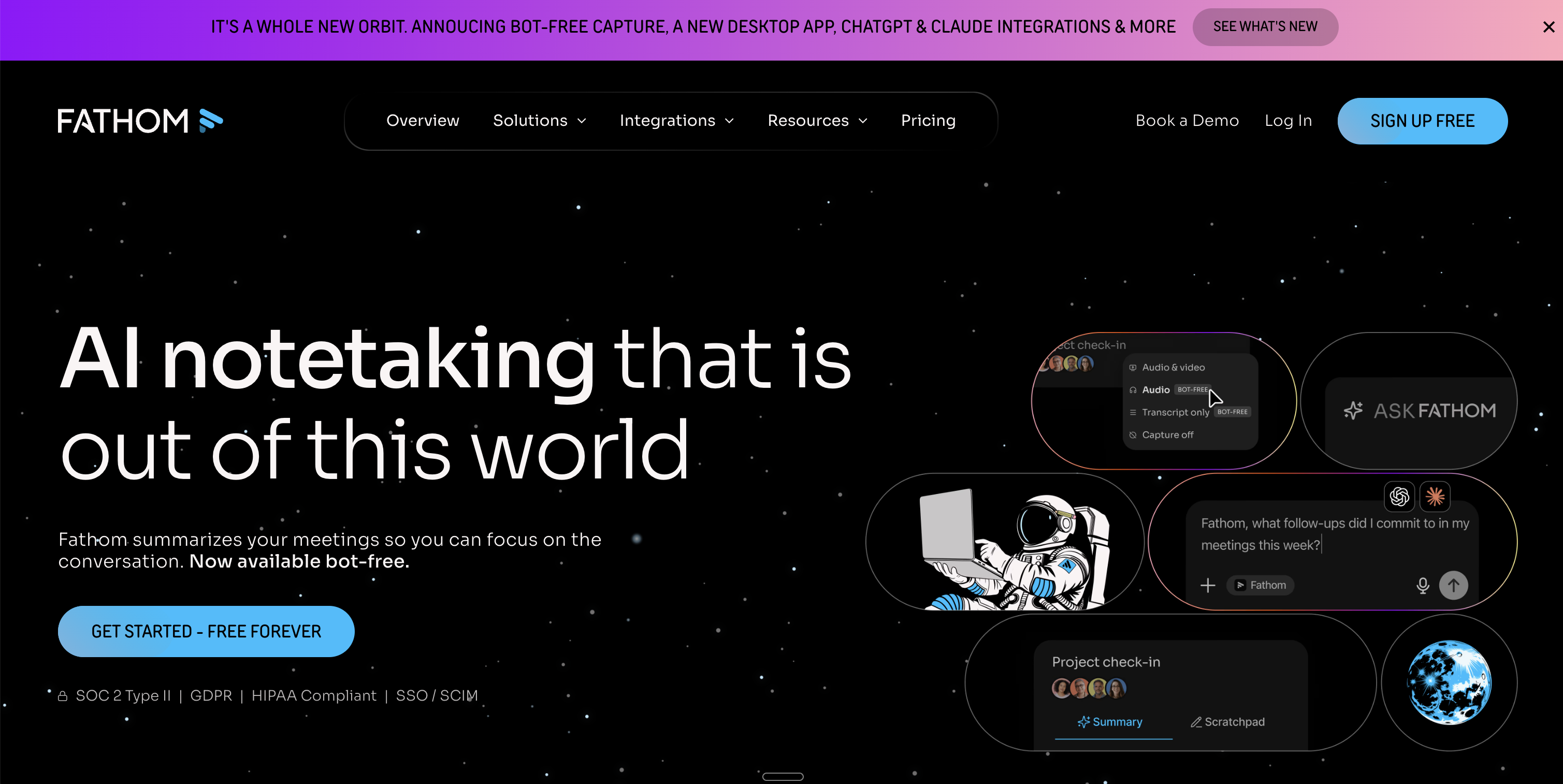
Great for teams, Fireflies emphasizes collaboration, CRM synchronization, and conversation intelligence (topics, action items, engagement analytics). If you need seamless handoff from meetings into team workflows and systems, Fireflies is a compelling alternative.

Rev AI

Rev AI

Rev combines AI transcription with optional human refinement, making it ideal when accuracy is critical (legal, medical, high-stakes). You get the speed of AI with the option for perfection when needed.

Sonix

Sonix

Sonix is built for media professionals and multilingual teams. It supports many languages, offers editing tools, and handles transcription for video/audio projects. If content production is your core use case, Sonix shines.

Trint

Trint

Trint is known for its user-friendly editor, letting creators correct transcripts easily, tag sections, and collaborate. It’s a favorite among content creators, journalists, and marketing teams.

Descript

Descript

Descript mixes media editing and transcription in one app. You can edit audio/video by editing text, remove filler words, overdub, and more. It’s ideal for podcasters, video creators, or anyone working with recorded content.

Google Recorder (Pixel users)

Google Recorder

If you own a Google Pixel device, Google Recorder gives you local, real-time transcription (offline) and smart search. It’s limited in teamwork or export features, but for personal use it’s fast, reliable, and free.

Comparison: Otter AI vs Alternatives

Tool

Best For / Strength

Weakness / Trade-offs

Pricing / Model Highlights*

Otter AI

Balanced for meetings, all-around use

Accuracy dips in poor audio, export limits in free plan

Subscription tiers (Free, Pro, Business, Enterprise)

SalesEcho

Sales calls with live guidance, insights

More niche use; limited broader features

Flat monthly pricing for live sales tools

Fireflies.ai

Team collaboration, CRM sync, automated summaries

Less specialized media features

Free tier + paid plans

Rev AI

High accuracy, human-assisted as option

More expensive if using human refinement

Pay-per-minute AI + human tiers

Sonix

Media, multilingual projects

Less real-time in meetings

Subscription or per-minute pricing

Trint

Content editing, collaborative workflows

Not as strong in “joining live calls”

Subscription model

Descript

Audio/video editing + transcription

Heavier learning curve for advanced features

Subscription with media tools

Google Recorder

Fast local transcription (Pixel only)

Limited team / export / integration features

Built-in to Pixel phones

*Pricing and models change — always check the provider’s current plans.

Related

How to Choose the Right AI Sales Assistant

Who Should Use Otter AI (And Who Shouldn’t)

Best Fit for Otter AI

  • Students – Perfect for capturing lectures, seminars, and study group discussions without worrying about missing details.

  • Journalists & Researchers – Speeds up interviews by turning long recordings into searchable transcripts, saving hours of manual note-taking.

  • Business Professionals in Meetings – Ideal for teams that want quick, accurate meeting notes, summaries, and action items to stay aligned.

  • Content Creators – Useful for podcasters, video producers, and marketers who want raw transcripts they can later edit and repurpose.

Who Shouldn’t Use Otter AI

  • Sensitive Corporate Environments – Companies dealing with confidential or regulated data (like legal, financial, or healthcare) may hesitate due to privacy and data-storage concerns.

  • Users Needing Perfect Accuracy – Accents, heavy jargon, or noisy audio can reduce transcription quality, meaning Otter may not work for legal transcripts, compliance records, or other accuracy-critical use cases.

  • Teams Wanting Unlimited Flexibility in Free Plans – The Basic plan’s restrictions on minutes, meeting length, and exports may frustrate heavy users unless they upgrade.

FAQs

Does Otter AI actually work?

Yes. Otter AI delivers real-time transcription with good accuracy, especially when audio quality is clear and speakers talk at a normal pace. It’s widely used by students, professionals, and teams to replace manual note-taking.

Is Otter AI better than ChatGPT?

Not exactly. Otter AI is built for live transcription and meeting notes, while ChatGPT is a conversational AI designed to summarize, analyze, or generate content. They can complement each other, but they solve different problems.

Is using Otter AI safe?

Generally yes. Otter uses encryption and secure storage, but some users express concerns about data privacy and automatic sharing of transcripts. If you’re working with sensitive or regulated information, review Otter’s privacy settings and policies carefully before use.

What are the complaints about Otter AI?

The most common issues include:

  • Occasional transcription errors with accents or noisy audio

  • Privacy and data-sharing concerns

  • Reduced transcription minutes in lower-tier plans

  • Billing frustrations reported by some users

Can I use Otter AI for free?

Yes. Otter offers a free plan with 300 transcription minutes per month and basic features like real-time transcription, summaries, and limited file imports. However, advanced tools and higher limits require upgrading to paid plans.

Also Visit

How to Improve Sales Call Conversion

How to Overcome Budget Objections in Sales Calls

Conclusion

Otter AI remains one of the most popular AI-powered transcription tools in 2025, thanks to its real-time note-taking, AI summaries, and seamless integrations with Zoom, Google Meet, and Microsoft Teams. It’s an excellent fit for students, journalists, and professionals who want quick, searchable meeting notes without the hassle of manual transcription.

That said, Otter isn’t perfect. Accuracy can dip in noisy environments or with diverse accents, the free plan has strict limits, and some users raise concerns about privacy and billing. For those who need flawless transcription, deeper media editing, or CRM-focused insights, alternatives like SalesEcho, Fireflies.ai, Rev, Sonix, Trint, Descript, and Google Recorder may offer a better fit.

Bottom line: Otter AI is powerful, time-saving, and easy to use — but the best choice depends on your specific needs, whether that’s collaboration, accuracy, or advanced sales intelligence.

Ready to Close More Deals?

Join the thousands of sales professionals who've boosted their closing rate by 30% with AI-powered real-time guidance.

Start Free Today

No credit card required • Start selling smarter in 60 seconds

    Otter AI Review 2025: Features, Pricing & Best Alternatives | SalesEcho